

The easy-to-use online booking system for Joomla
Get up and running with our Joomla booking extension quickly and easily.
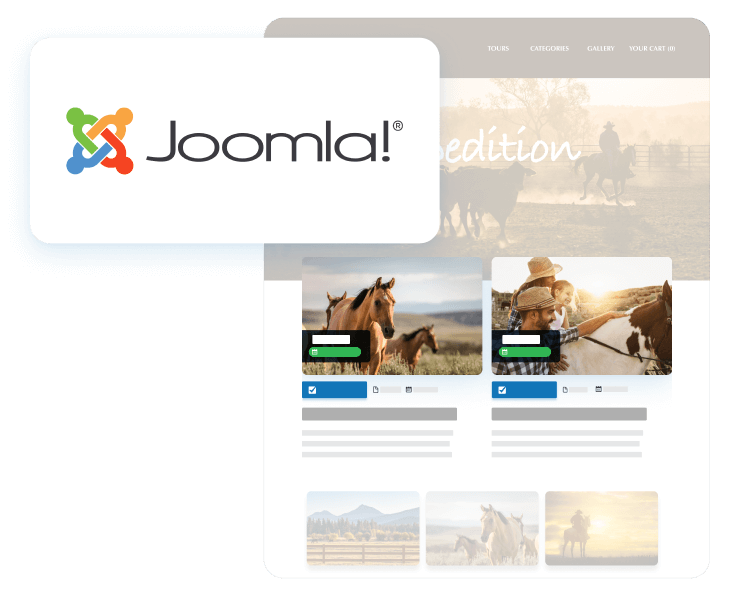
Take bookings on your Joomla website
Turn your existing website into an online booking engine. With our Joomla booking extension, make it easy for your customers to book and pay on their own, 24/7.

Quickly embed
Paste the Checkfront shortcode into any web page to create a self-service booking portal that’s user-friendly.

Responsive, mobile-friendly
Publish a booking calendar for your Joomla website that renders beautifully on all devices.

Take payments instantly
Quickly connect to a payment gateway so that your customers can pay securely online at the time of booking.

Move your bookings online

Customization control
Our Joomla booking extension works with any website theme. You can customize the font, background, language, and more to your liking
Booking system access
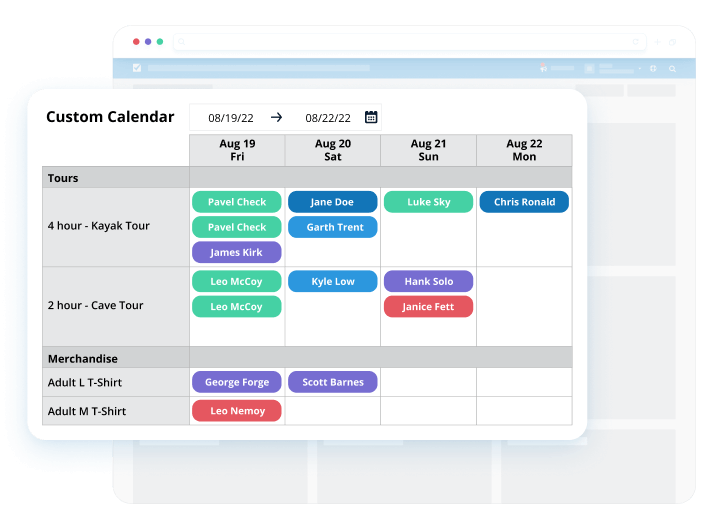
With a Checkfront account, you’ll also be able to track and manage your Joomla website reservations in a robust online booking system.

Data protection
We host and maintain all of your important data outside of Joomla, including customer information, ensuring it stays secure and protected.
Setting up the Joomla booking extension

Sign up for Checkfront
Build your product inventory, connect with a payment gateway, and enable automatic booking invoices, notifications, management, and more.

Install the Joomla plugin
Search for “Checkfront” from inside your Joomla Extension Manager, download and install the plugin manually.

Start taking bookings
Let your customers view real-time availability, make online reservations, and pay for their bookings – all within your website and completely self-serve.
Simple to use, see for yourself
Watch our instructional video to learn how to install and integrate Checkfront onto your Joomla site.
- Access help & support with our Joomla Plugin Docs
- Use our Shortcodes for advanced functionality
- Extend your options with our easily referenced Developer API
“Checkfront’s integrated secure booking system has streamlined the booking process for both us and our guests.”
Kirsten & Val
Operations Managers, Wildcoast Adventures


Try our Joomla online booking extension
Try Checkfront for free. No credit card required.